Once you're done creating and customizing your application, you might want to invite other users to use it. For example, you might want to invite the school principal or another staff member to the app.
To invite other users to the application, select the Profile menu item -> App Users
 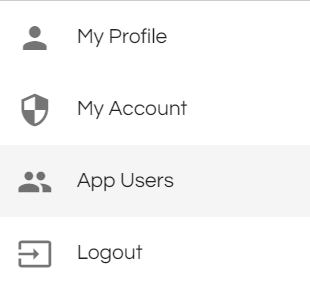 in the top right corner.
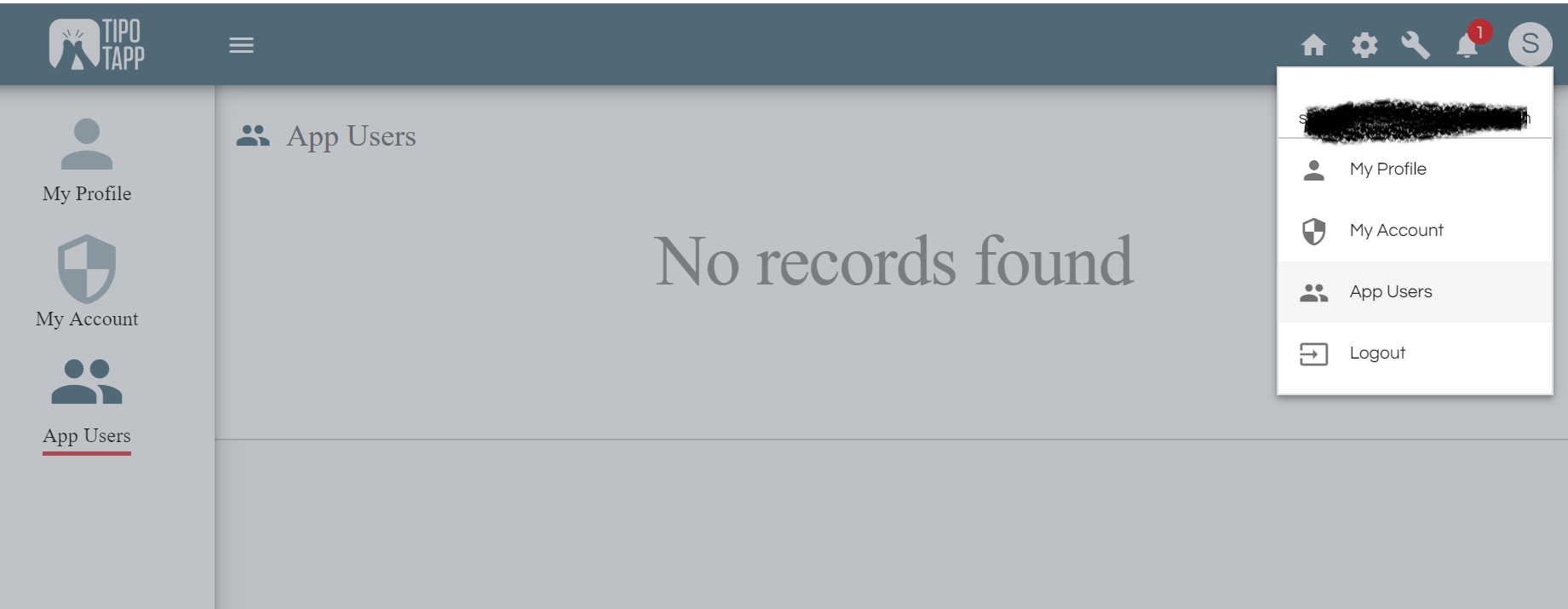
Select Users from the left menu to see list of app users and to invite a new user. Click on the button with the user icon as shown in the image below.
You will then be presented with a form to enter the email address of the user you would like to invite to your app.
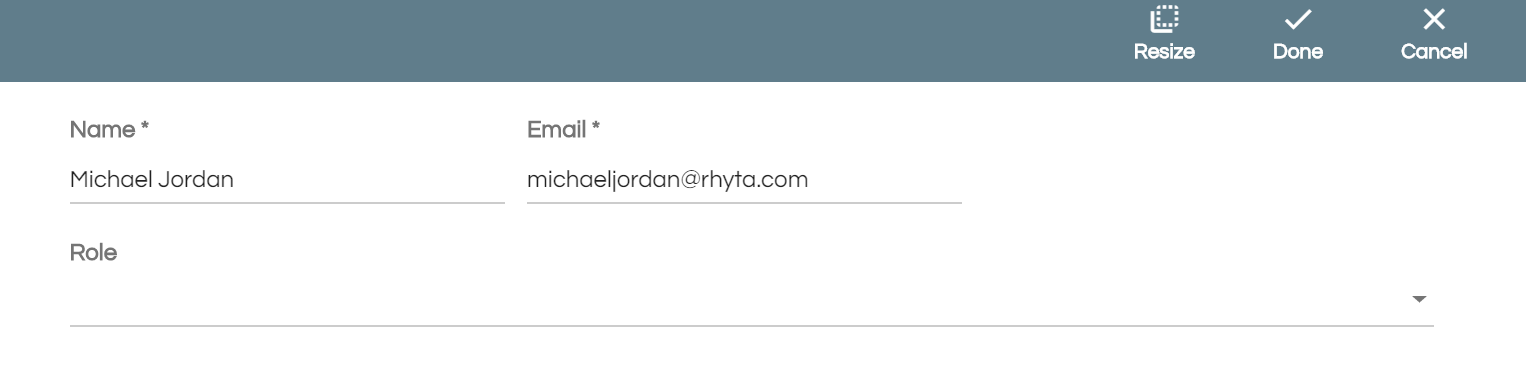
Enter the email-ID of the user you want to invite. An email to join the application will be sent to the user immediately.
Comments
0 comments
Please sign in to leave a comment.