We are going to create an application that can be used in higher-learning institutions (schools/universities) to manage student data. Before you begin, we recommend you browse the Student Management App in the sample apps so you can see the end result of what you are about to create.
Before getting into the advanced concepts, let's start the app with few Tipos.
We’ll name the app - Student Management App
Click on 'My Apps' -->click on New App

After clicking the "Save" button, the "✔" in the upper right corner of your screen, a window will appear to notify you that your application has been created and clicking on OK would launch the app in new tab.
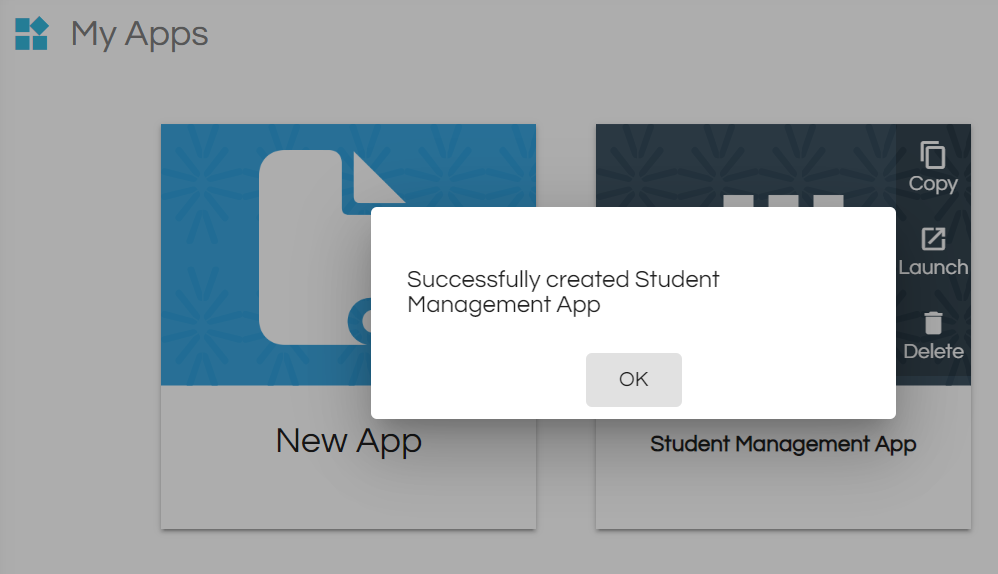
You may have to login again to access the app

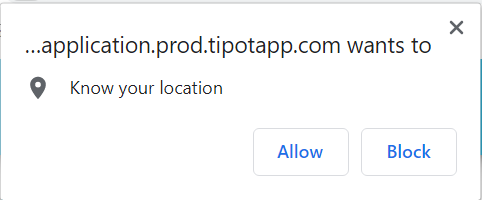
A popup asking to access your location may be seen.
A user could allow the access or even Block it, it does not affect the functionality. Location is used to track the records in map view.
Comments
0 comments
Please sign in to leave a comment.